1 - Download Captain Rider :
→ Download on Google Play→ Download on the App Store
2- Pair your EyeRide to your phone
⚠️ To connect your Smart Controller, your EyeRide must be switched on and connected to your phone. ⚠️
Find out how here:
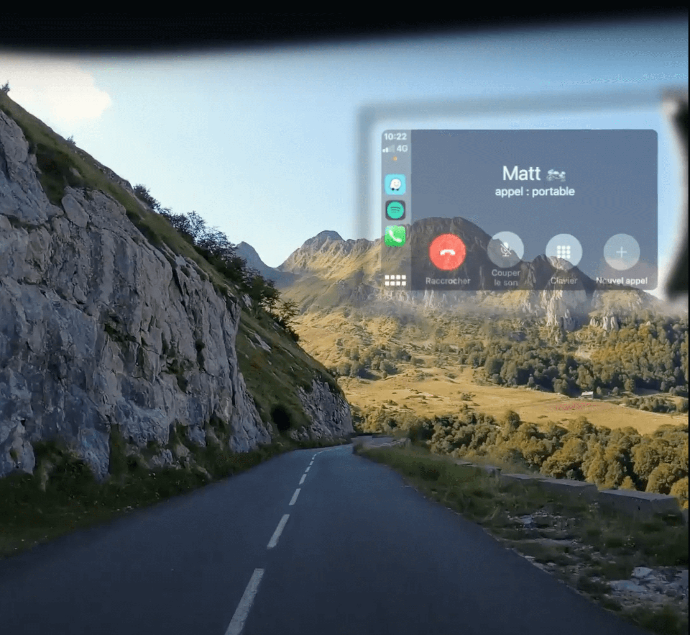
How do I connect my EyeRide?
Find out how to pair your EyeRide with your smartphone to start using it!
Continue reading3 - Launch the Captain Rider application
Once your EyeRide is connected to your phone, launch the Captain Rider application.
Select the notched wheel at the top left:
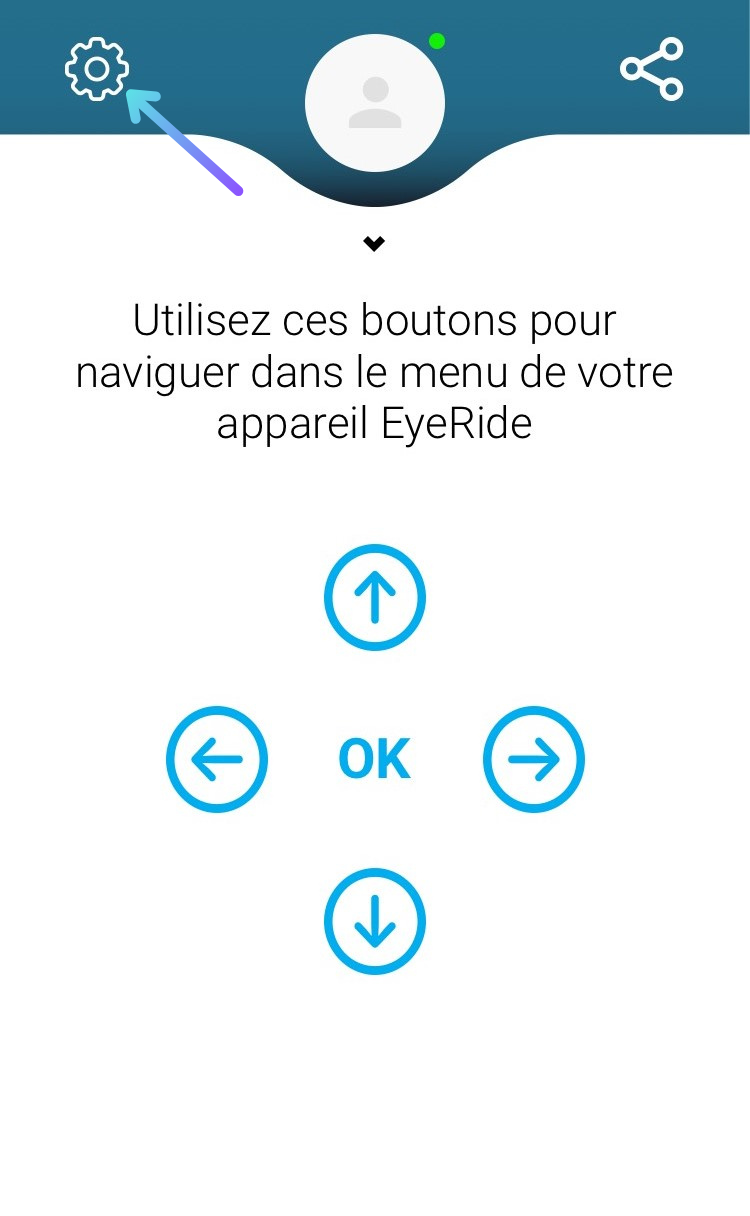
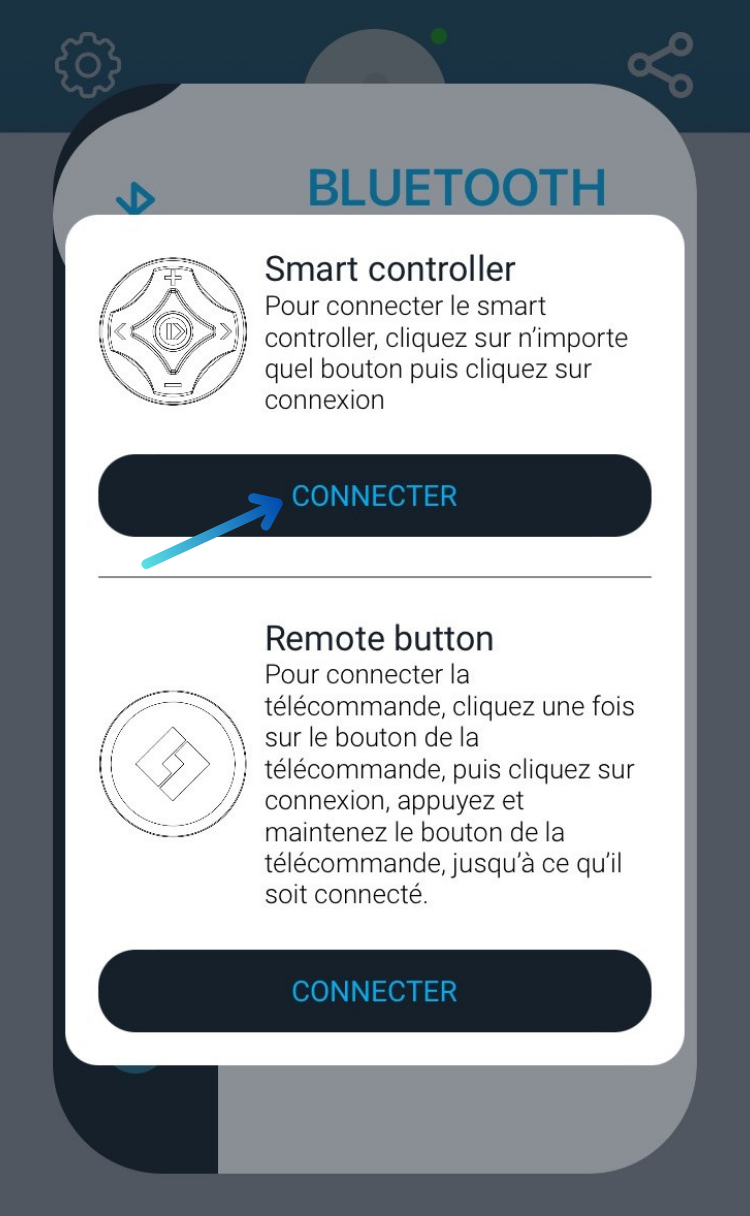
Click on Connect under EyeRide :

Click on Connect under Remote Control :

Finally, select Smart Controller :
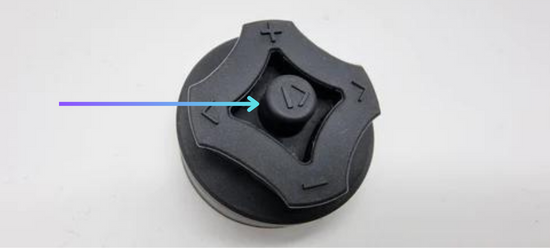
Enfin, appuyez plusieurs secondes sur le bouton central de votre télécommande
4 - Have fun!
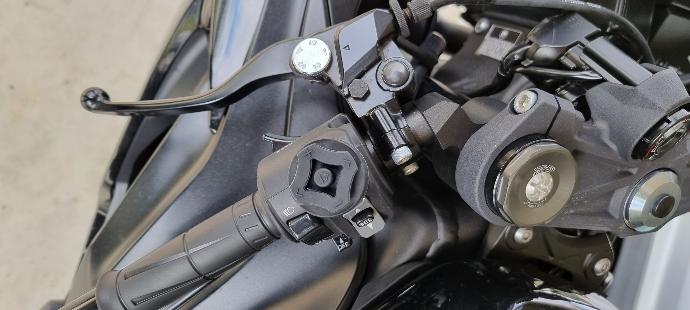
How do I use my Smart Controller?
Discover all the features of our remote control, which gives you total control of your HUD.